
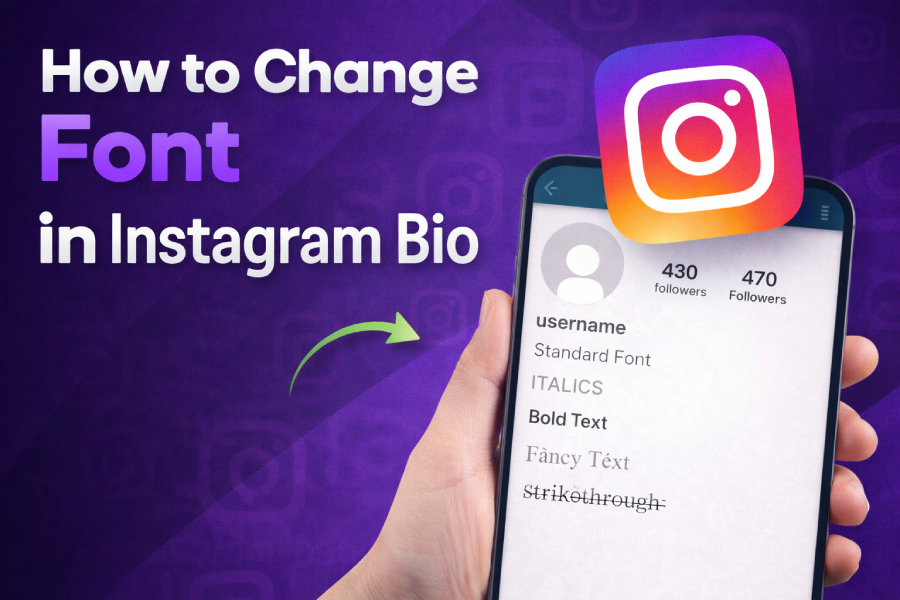
Changing the font in your Instagram bio can significantly enhance your profile’s visual appeal, making it stand out in a crowded space. Whether you’re making a bold statement or simply expressing your style, customizing the font is an easy and effective way to show your personality.
Follow this guide to discover how to change your Instagram bio font and elevate your social media presence.
Why Changing Your Instagram Bio Font Matters
Your Instagram bio is one of the first things people notice when they visit your profile. By changing the font, you can instantly attract attention and make your profile more engaging. The default font on Instagram is plain and simple, leaving little room for creativity. That’s where custom fonts come in—they help you convey your personality, brand, or aesthetic in a unique and eye-catching way.
For example, some people use fancy fonts or symbols to make their bios more readable and appealing. In addition, changing your bio font can help your profile feel more aligned with your personal or business branding. After all, first impressions matter, and a customized Instagram bio can leave a lasting impact.
When learning how to change font in Instagram bio, the process isn’t as complicated as it may seem. Using third-party tools, you can quickly convert your regular text into a variety of unique fonts that are Instagram-friendly. With just a few clicks, you can enhance your bio’s appearance and express yourself better.
Step-by-Step Guide: How to Change the Font in Your Instagram Bio
Changing the font in your Instagram bio starts with selecting the right tool. Many online font generators allow you to easily create Instagram-compatible fonts without needing special software. These tools utilize Unicode symbols to create different font styles that Instagram can recognize. Let’s break it down into simple steps.
- Choose a Font Generator Tool
First, try the font generator tool like Freaky Font Generator or any other available platform. These tools offer a wide variety of fonts ranging from fancy scripts to bold and unique designs. All you need to do is type your desired text in the provided text box. - Customize Your Text
Once you type in your text, the font generator will show you several font styles that you can copy. Choose a font that matches your personality or brand. After selecting a font, make sure to review how it looks in the preview to ensure it suits your bio’s style. - Copy and Paste the Font
After you’ve selected your font, simply copy it and paste it directly into your Instagram bio. Open your Instagram profile, go to the edit section of your bio, and paste your newly formatted text in the bio field. Be sure to save your changes! - Adjust Your Bio Layout
Besides the font, you can also play around with line breaks, emojis, and other elements to make your bio more dynamic. Experiment with different combinations to find a layout that works best for you.
Free Tool to Generate Freaky Font for Your Instagram Bio
If you are looking for a unique font style that grabs attention, you might want to try the free tool to generate freaky font. This tool offers a variety of playful, bold, and quirky fonts to help your bio stand out. Whether you’re using it for a personal profile or a business account, the tool offers fun, easy customization options.
With this font generator, you can choose from styles like cursive, bold, and even upside-down text, adding more flair to your Instagram presence. Make sure your font is easy to read and consistent with the message you want to convey.
Popular Font Styles for Instagram Bio
There are several font styles that are commonly used in Instagram bios. These styles can help you add emphasis, express creativity, or keep your profile neat and organized. Here are some of the most popular choices:
- Bold Fonts: Use bold fonts for emphasis and to make important information stand out.
- Cursive Fonts: Add a touch of elegance with cursive or script fonts.
- Upside-Down Fonts: This unique style can grab attention and make your bio stand out from the crowd.
- Fancy Fonts: For a playful and fun vibe, fancy fonts can be an excellent choice.
For a more professional look, stick to minimalist fonts. If you want something creative and fun, don’t hesitate to experiment with different styles to see what works best for you.
How to Change Instagram Fonts Using an Instagram Font Generator
Using an Instagram font generator is an easy and convenient way to transform your text. You don’t need to be a design expert to make your bio stand out. Whether you want a sleek, modern font or something more unique and whimsical, these tools are designed to help.
These generators are user-friendly and often only require you to input your desired text, select a font style, and then copy and paste the result into your Instagram bio. The beauty of using these tools is that they make it incredibly simple to customize your bio, even if you’re not tech-savvy.
Tips for Choosing the Right Font for Your Instagram Bio
Choosing the right font for your Instagram bio can be a fun process, but it’s important to make sure the font matches your overall aesthetic. Keep in mind the following tips when selecting your font:
- Simplicity Is Key: Choose a font that is easy to read, especially on mobile devices.
- Consistency: Make sure the font aligns with your brand or personality. If you’re running a business profile, go for something professional yet distinctive.
- Experiment: Don’t be afraid to try different font styles and layouts until you find one that you love.
By focusing on readability and ensuring your font reflects your personal style or brand, you can create a bio that will leave a lasting impression.
Why Did My Instagram Bio Font Change?
If you’ve ever noticed that your Instagram bio font looks different or isn’t appearing as expected, you’re not alone. This can happen for several reasons, such as updates to Instagram’s system, errors in font compatibility, or simply copying and pasting from a source that doesn’t work well with Instagram’s formatting.
To resolve this, ensure that you’re using fonts that are compatible with Instagram’s platform. If you’re unsure about compatibility, you can always refer to guides like how to get freaky font on Instagram for further instructions and troubleshooting tips.
Conclusion
Changing the font in your Instagram bio is a quick and easy way to elevate your profile. With the help of font generators, you can customize your bio to reflect your unique style and personality. Experiment with different fonts and layouts to make sure your bio stands out and grabs attention.
Remember, simplicity and readability are key, but don’t hesitate to get creative with your font choices. Whether you want to add a bold statement or create a more playful vibe, the right font can help you make a lasting impression. Take the time to explore font generators and choose the one that best fits your style and message.